Published Aug 2026
Reset a Forgotten Password
If you've forgotten your password, you can reset it yourself from the sign-in screen. No administrator is needed.
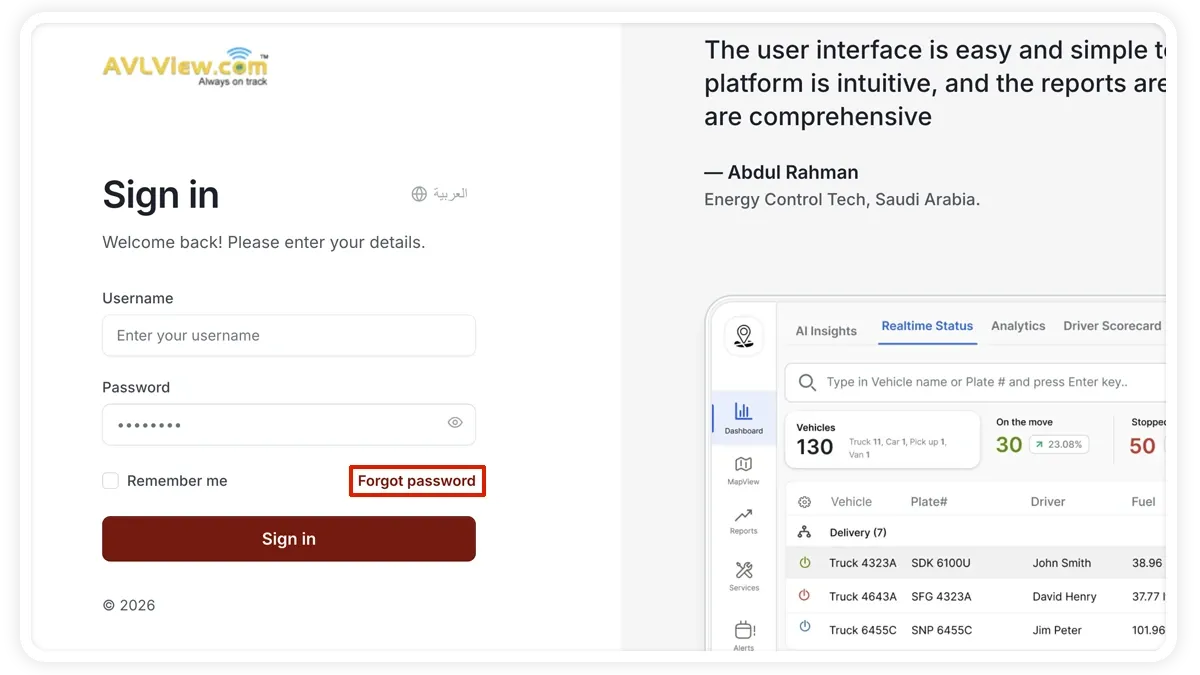
How to reset your password
- On the sign-in screen, select Forgot password?
- Enter your registered email address.
- Open the reset email and select the link.
- Choose a new password and confirm it, then sign in.
Good to know
- Time-limited — the reset link expires, so use it soon after it arrives.
- Single-use — each link works only once; request a new one if it's expired or already used.
- Registered email only — the link is sent to the email on your account.
Frequently asked questions
I didn't get the reset email.
Check your spam folder and confirm you entered the email registered to your account. If it still doesn't arrive, the link may have expired — request a new one.
Do I need an administrator to reset it?
No. Password reset is self-service from the sign-in screen.
Related
Next
View User Login Sessions
See when each user last signed in and from where using the Login Audit tab in Settings > Audit Log. Filter by user and date, then export the login history.
More in Settings & Admin
Didn't find what you needed?Contact support