Published Aug 2026
Update Your Mobile Number
Keeping your mobile number current means you keep receiving SMS and push alerts — and, on supported setups, you can send SMS commands from your number. Update it from your profile, then verify.
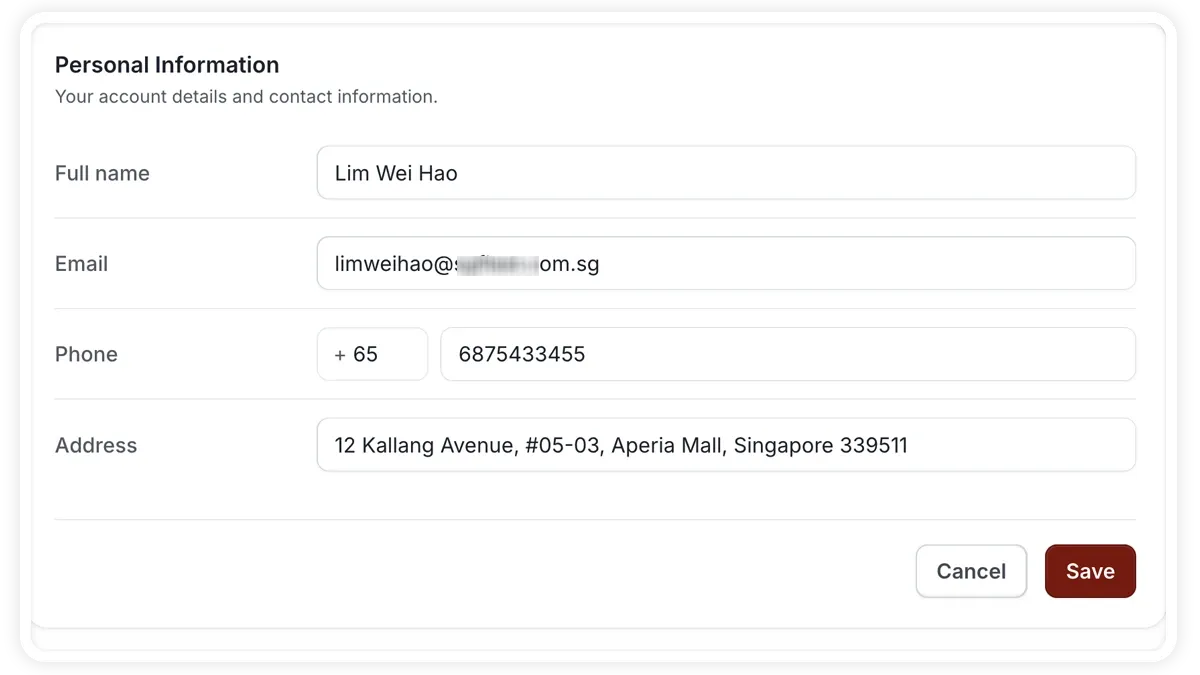
How to update your mobile number
- Open your profile.
- Find the mobile number field and enter your new number.
- Save the change.
- Verify the new number to activate it.
What updating your number affects
- SMS alerts — text-message notifications go to the new number.
- Push alerts — continue to reach you on your account.
- SMS commands — on supported setups, you can send SMS commands from your registered number.
- Verification — the new number becomes active only after you verify it.
Frequently asked questions
Why do I need to verify?
Verification confirms the number is yours and reachable, so SMS and push alerts — and SMS commands on supported setups — are delivered to the right phone.
Will I still get alerts before I verify?
The new number becomes active once verified. Until then, verify promptly so you don't miss SMS or push alerts.
Related
Next
Roaming Profile for Cross-Border Trucks
Configure a roaming profile so your tracking SIM keeps reporting when trucks cross into other countries.
More in Settings & Admin
Didn't find what you needed?Contact support