Stop Staring at Maps — Let Trip Anomaly Detection Do the Work
What You'll Learn
Most GPS tracking tools show you where vehicles are, but not what
Best for:
Logistics & Delivery professionals and fleet managers
The Problem With Watching Dots on a Map
If you manage a fleet, you already know the routine.
Open the tracking dashboard, scan for anything unusual, cross-reference trip logs, check idle times.
Repeat — every single day.
Most fleet managers spend hours each week doing exactly this.
Manually reviewing routes, checking whether drivers took unauthorized detours, flagging excessive idling.
It's the kind of work that feels productive but quietly drains your time and attention.
And here's the uncomfortable truth: the tools that are supposed to help often make it worse.
Traditional GPS tracking gives you a live map and a history of where vehicles have been.
That's useful — but it puts the burden on you to notice when something is off.
You're the anomaly detector.
And humans aren't great at that job when they're scanning hundreds of trips per week.
What Trip Anomaly Detection Actually Does
We built trip anomaly detection directly into AVLView because we kept hearing the same frustration from fleet operators: "I have all this data, but I still can't act on it fast enough."
Trip anomaly detection works differently from a standard tracking view.
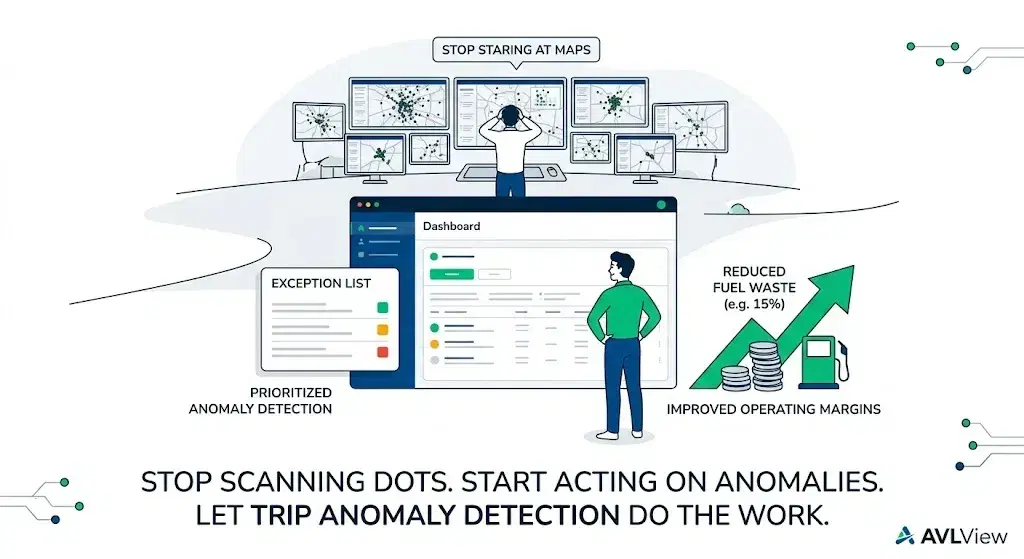
Instead of presenting all trips equally and leaving you to find the problems, it does the filtering for you.
The system learns your fleet's normal operating patterns — typical routes, expected stop durations, standard operating hours.
When a trip deviates from those patterns, it gets flagged automatically.
That means:
- Unauthorized detours surface immediately, not after someone reviews the route log two days later.
- Excessive idling gets caught in context — a 10-minute stop at a known delivery point is normal; a 45-minute stop on a highway shoulder is not.
- Route deviations are compared against expected paths, so you see the exceptions without wading through hundreds of compliant trips.
- After-hours usage is flagged based on your defined operating windows.
The result is a focused exception list instead of a wall of data.
From Data Overload to Actionable Exceptions
The shift is subtle but significant.
Instead of starting your day by scanning every vehicle's activity, you start with a short list of trips that need your attention.
One of our clients — a mid-size distribution fleet — saw this play out clearly.
Before enabling anomaly detection, their operations manager spent roughly 90 minutes each morning reviewing overnight and early-morning trips.
After switching to exception-based monitoring, that dropped to about 15 minutes.
More importantly, they caught issues they'd been missing.
Small but consistent route deviations by a few drivers were adding up to significant unnecessary mileage.
Within the first month, they reduced fuel waste by 15% — not by adding new rules or cracking down, but simply by seeing what was actually happening.
Why This Matters for Fleet Operations
Fleet management is full of invisible inefficiencies.
The kind that don't show up as a single dramatic event but accumulate quietly over weeks and months.
Unauthorized detours add a few extra kilometers here and there.
Excessive idling burns fuel in small increments.
Unapproved stops waste 10 minutes at a time.
None of these trigger alarms in a traditional system — but together, they erode your margins.
Anomaly detection makes the invisible visible.
It doesn't replace your judgment — it focuses it on the things that actually need attention.
What This Looks Like in Practice
In AVLView, anomaly detection runs continuously across your fleet.
You get:
- A daily exception summary showing flagged trips, ranked by severity.
- Drill-down views for each anomaly with the full trip replay, timestamps, and context.
- Configurable thresholds so you define what "normal" means for your operation.
- Alerts that can notify you in real time or batch into a morning digest.
There's no complex setup.
The system starts learning patterns from your existing trip data, and meaningful flags typically appear within the first week.
The Bigger Picture
Fleet tracking solved the "where are my vehicles" problem years ago.
The next challenge — the one most operators are still wrestling with — is "what should I pay attention to right now?"
That's what anomaly detection is really about.
Not more data.
Better focus.
If you're spending more time reviewing trips than acting on them, it might be time to let the system do the watching for you.
Ready to Transform Your Fleet Operations?
See how AVLView helps fleet managers like you cut costs, improve safety, and boost efficiency with real-time GPS tracking.
Frequently Asked Questions
What is trip anomaly detection in fleet management?
▼
How long does the system take to learn normal patterns?
▼
Can trip anomaly detection produce false alerts?
▼
Does trip anomaly detection require special hardware?
▼
Related Articles
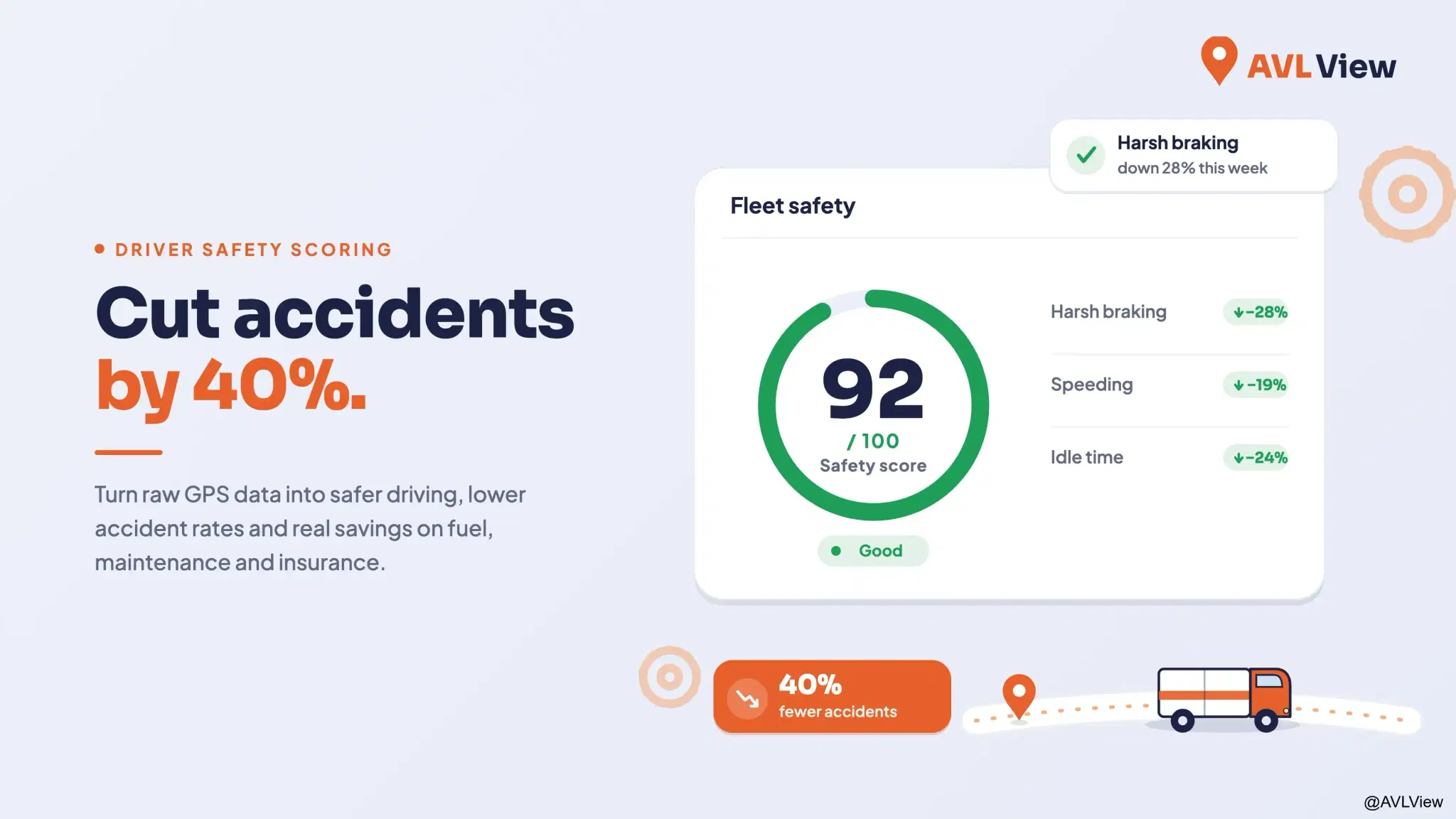
The Complete Guide to Driver Safety Scoring Systems
Learn how driver safety scoring systems work, how they reduce accidents by 40%, lower insurance premiums, and improve driving behaviour.
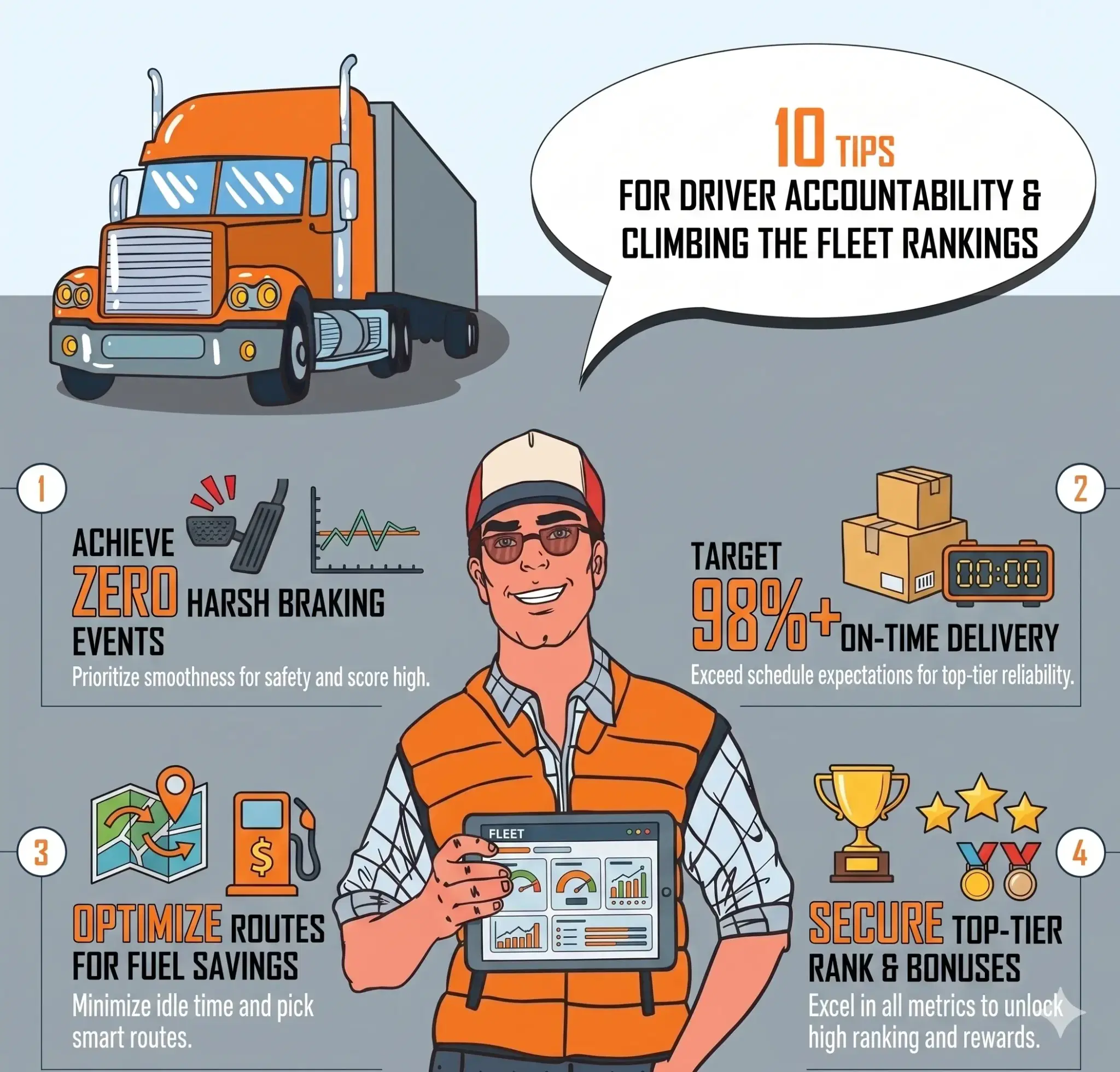
Driver Accountability: How Rankings Build Visibility and Healthy Competition
Rankings turn raw driving data into visible, comparable performance. See how safety scores, league tables, and trend tracking build accountability across your fleet.
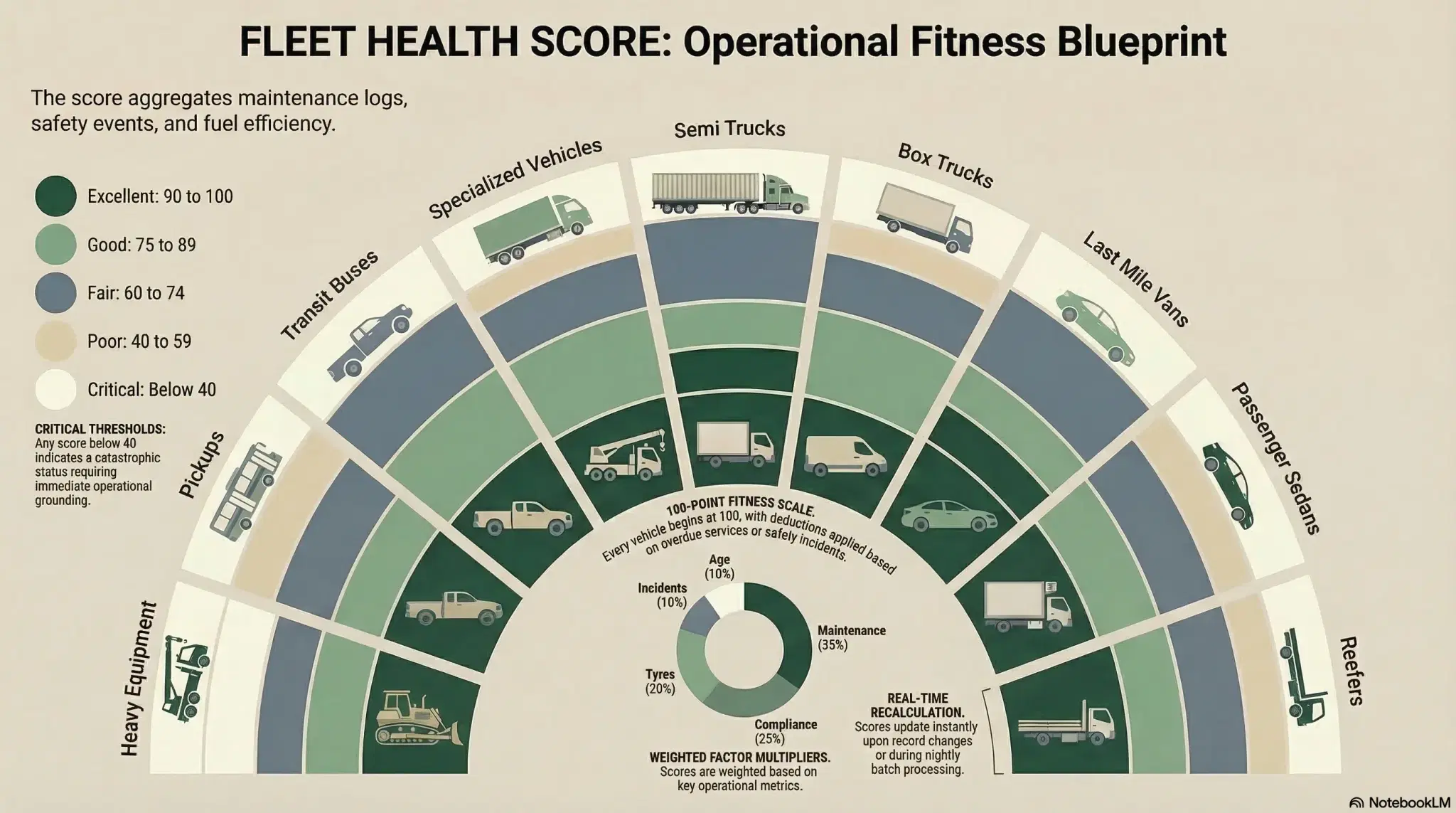
Fleet Health Score: One Number Per Vehicle
A single 0-100 fleet health score per vehicle replaces guesswork with clarity. Know exactly which vehicles need attention and why.
Join 43,000+ Fleet Owners Who Trust AVLView
AVLView helps you:
- Cut fuel costs by 8-15% within 90 days
- Improve driver safety and reduce accidents by 40%
- Get real-time visibility into every vehicle 24/7
- Automate reporting and save 10+ hours per week
- 30-day pilot program with no long-term commitment