Why Your Fleet Alerts Are Useless (And How to Fix Them)
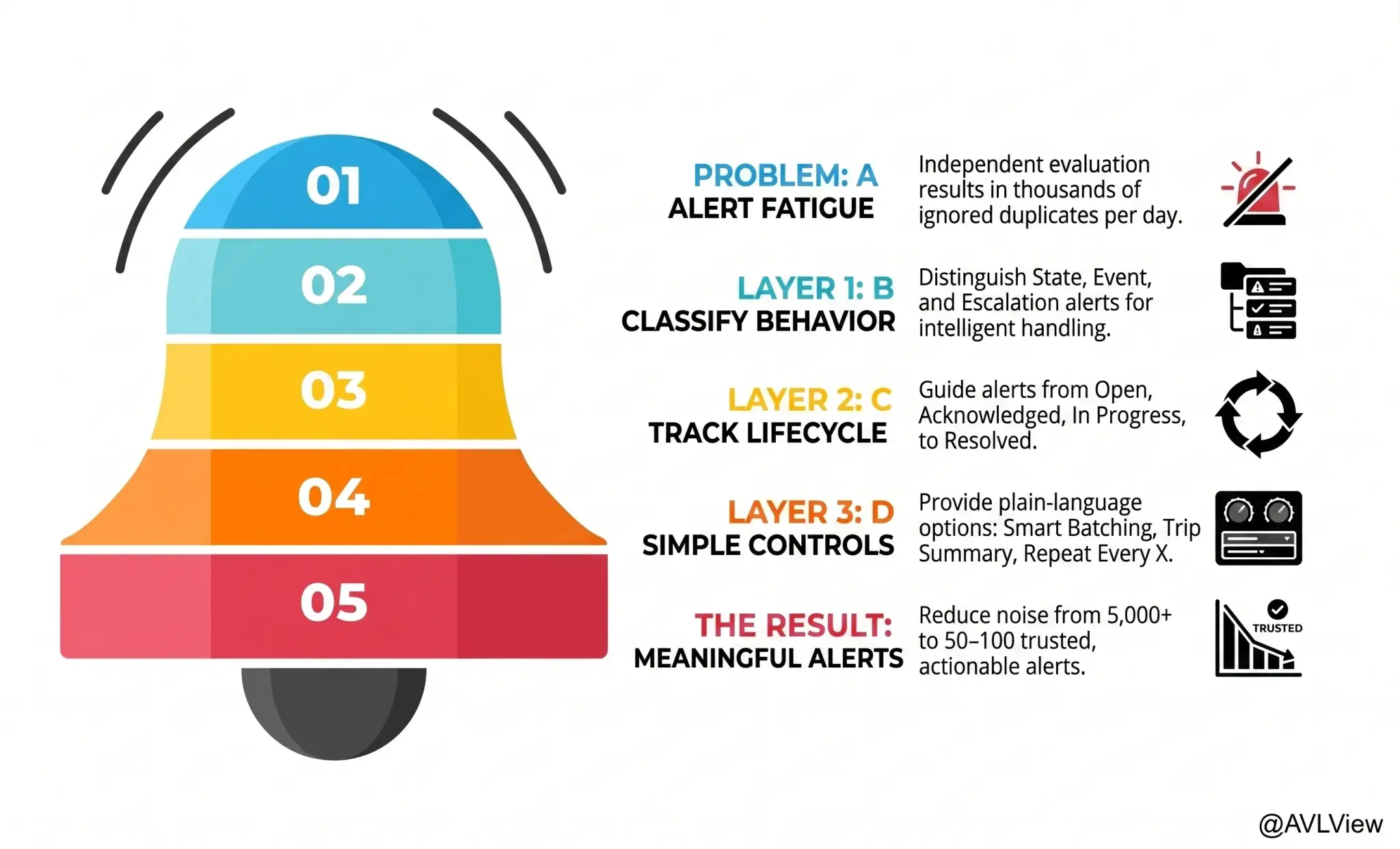
What You'll Learn
A single low-battery warning can generate thousands of duplicate alerts per day. Learn how to fix alert fatigue with smarter rules, thresholds, and escalation workflows.
Best for:
Logistics & Delivery professionals and fleet managers
Your Alert System Is Crying Wolf
Here's a scenario every fleet manager knows too well.
A vehicle's battery drops to 11.4 volts. The tracking system flags it. Good.
Then it flags it again 30 seconds later. And again. And again. Every single telemetry packet triggers a new alert because the condition is still true.
Multiply that by 500 vehicles and 10 active rules. You're looking at thousands of duplicate alerts per day.
The result? Operators stop checking alerts entirely. The system designed to keep your fleet safe becomes background noise.
The Root Cause Is Surprisingly Simple
Most alert engines treat every evaluation as independent. They don't remember that they already told you about this problem.
There's no concept of "this condition was already true last time I checked." Every match fires a new alert, whether it's the first occurrence or the five hundredth.
It's like a smoke detector that doesn't stop beeping after you've acknowledged the smoke.
Three Layers That Actually Fix This
Solving alert fatigue isn't about turning down the volume. It's about making the system smarter at knowing when to speak up.
Layer 1: Classify How Alerts Behave
Not all alerts work the same way. A low battery is fundamentally different from a speeding event.
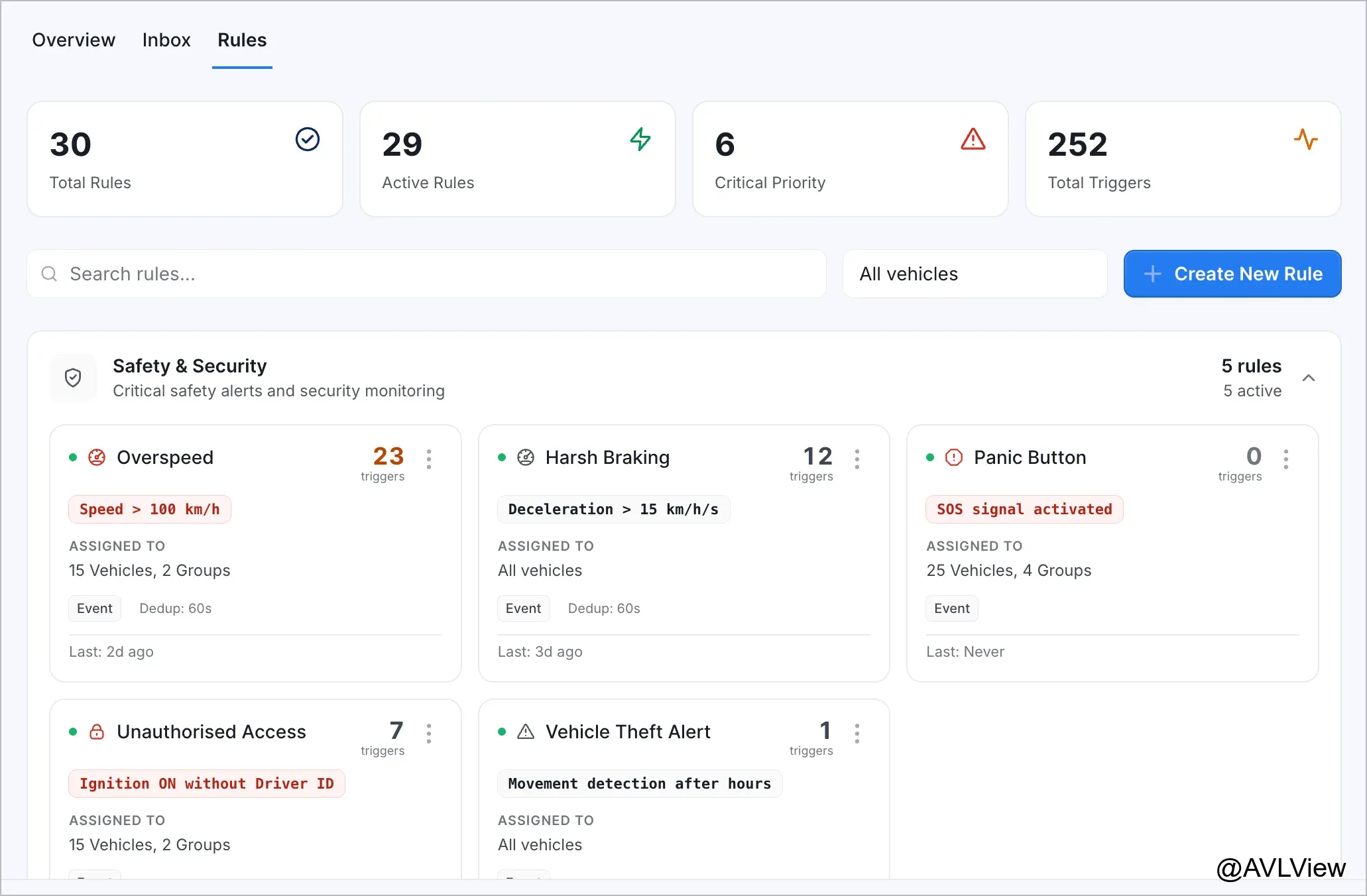
State alerts track persistent conditions. Battery low, coolant temperature, tyre pressure. These should fire once when the condition starts and auto-resolve when it clears. One alert per incident, not hundreds.
Event alerts track discrete occurrences. Speeding, harsh braking, geofence crossings. Each one matters, but you need control over how often you hear about them.
Escalation alerts are time-sensitive. Service overdue, for example. They should get louder the longer they're ignored, not quieter.
When the system knows which type it's dealing with, it can handle each one intelligently.
Layer 2: Track Alert Lifecycle
An alert shouldn't just appear and disappear. It needs a journey.
Open. Acknowledged. In progress. Resolved. Each state means something specific.
When a manager acknowledges an alert, escalation timers pause. When a state-based condition clears on its own, the alert auto-resolves. When someone snoozes an alert, it comes back after the timer expires.
This lifecycle eliminates the guesswork. You always know what's been seen, what's being handled, and what's slipping through the cracks.
Layer 3: Give Managers Simple Controls
Fleet managers shouldn't need to configure deduplication windows and aggregation thresholds. They need plain-language options.
Every Occurrence — for rare, critical events like panic buttons or vehicle theft. You want to know immediately, every time.
Smart Batching — for frequent driving events like speeding or harsh braking. The system groups them intelligently and sends one summary instead of fifty individual pings.
Trip Summary — for operational patterns like excessive idling or unscheduled stops. Get one report per trip instead of constant interruptions.
Repeat Every X Minutes — for when you want periodic updates while a condition persists. "Tell me every 5 minutes while this vehicle is speeding."
One dropdown. Four options. The complexity is handled behind the scenes.
What This Looks Like in Practice
A battery drops below threshold on Vehicle 247.
The system fires one alert. The sustained duration timer confirms it's not a momentary dip. After 5 minutes of consistently low voltage, the alert appears in the manager's inbox.
The manager acknowledges it and assigns it to maintenance. Escalation timers stop.
When the battery is replaced and voltage recovers, the system waits for a stability period to confirm the fix is real. Then it auto-resolves the alert.
If the battery drops again within 30 minutes, the re-arm delay suppresses a duplicate. After 30 minutes, the system is ready to alert again if needed.
One incident. One alert. Clear resolution. No noise.
The Numbers Tell the Story
A fleet of 500 vehicles with traditional alerting can produce 5,000+ duplicate alerts per day. With intelligent deduplication and lifecycle management, that same fleet sees 50–100 meaningful, actionable alerts.
That's not a marginal improvement. It's the difference between a system people ignore and a system people trust.
Alert Fatigue Is a Design Problem, Not a Volume Problem
The fix isn't fewer rules or higher thresholds. It's an engine that understands context.
Does this condition already have an open alert? Has someone already acknowledged it? Is this the same event we reported 30 seconds ago?
When the system can answer these questions, fleet managers get what they actually need: the right information at the right time, without the noise.
See how AVLView's alert engine eliminates fleet alert fatigue →
Ready to Transform Your Fleet Operations?
See how AVLView helps fleet managers like you cut costs, improve safety, and boost efficiency with real-time GPS tracking.
Frequently Asked Questions
How many fleet alerts should I receive per day?
▼
Does reducing alerts mean missing real problems?
▼
How do I set the right alert thresholds for my fleet?
▼
Can alerts be customised per driver or vehicle?
▼
Related Articles
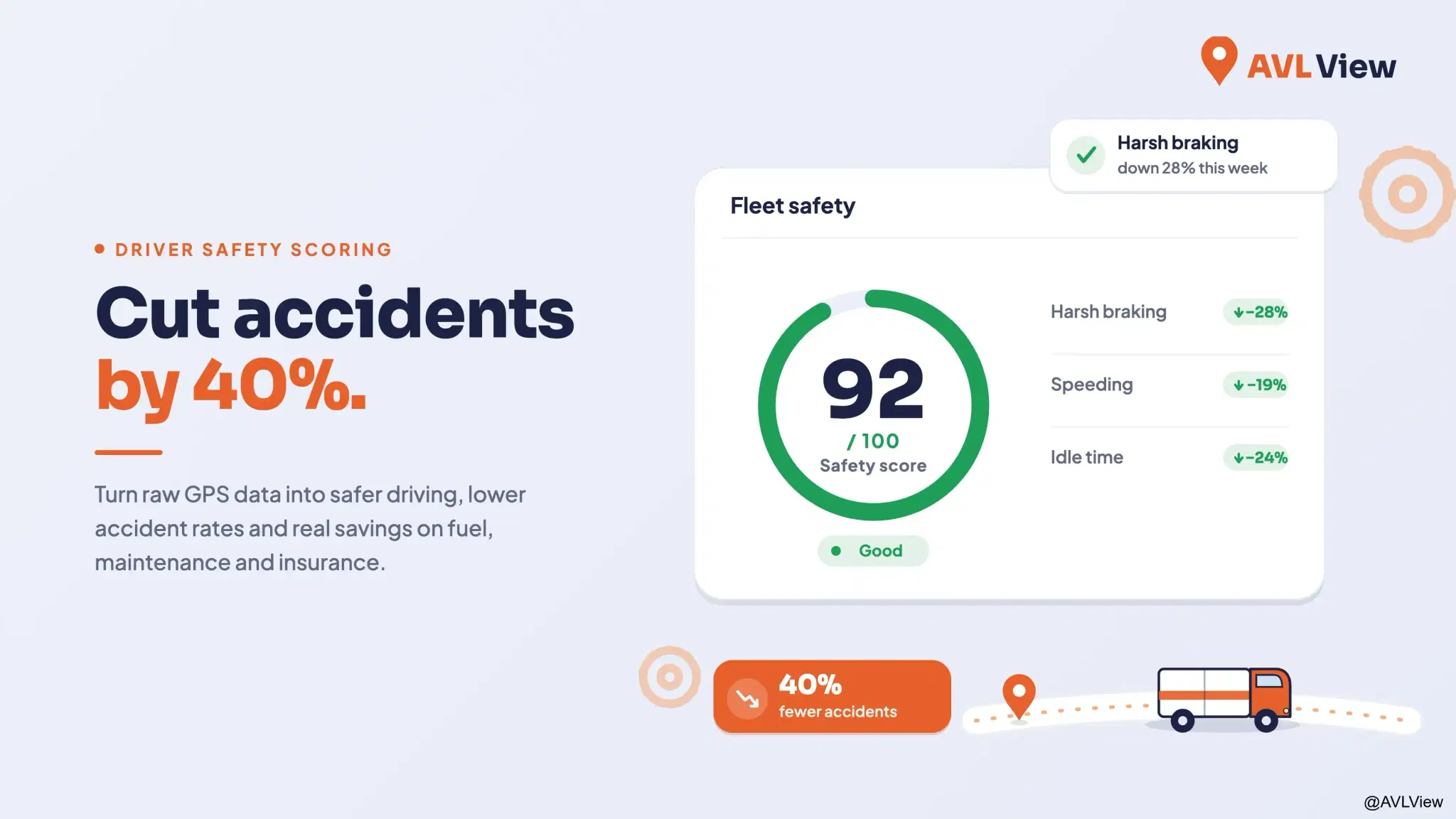
The Complete Guide to Driver Safety Scoring Systems
Learn how driver safety scoring systems work, how they reduce accidents by 40%, lower insurance premiums, and improve driving behaviour.
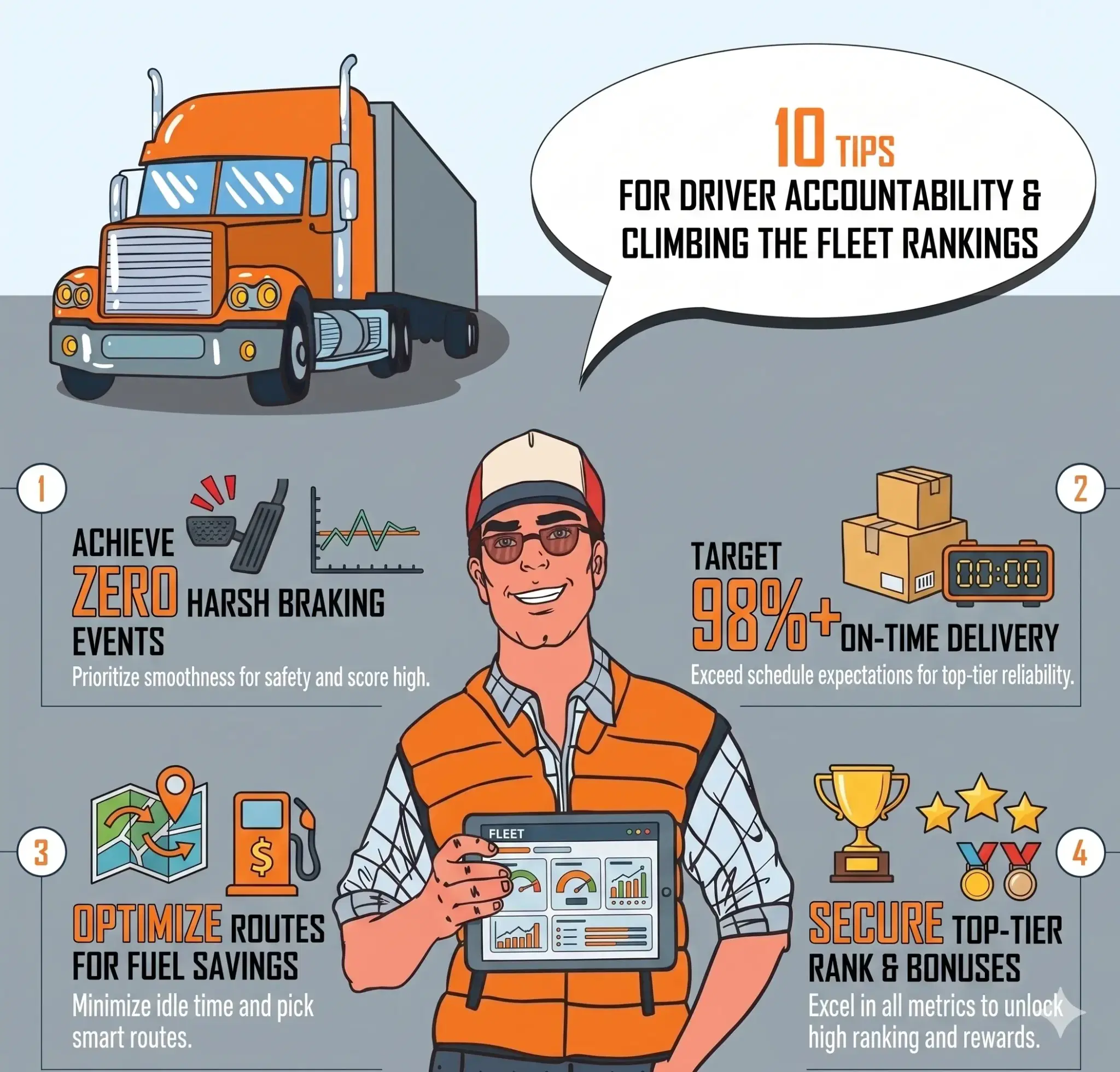
Driver Accountability: How Rankings Build Visibility and Healthy Competition
Rankings turn raw driving data into visible, comparable performance. See how safety scores, league tables, and trend tracking build accountability across your fleet.
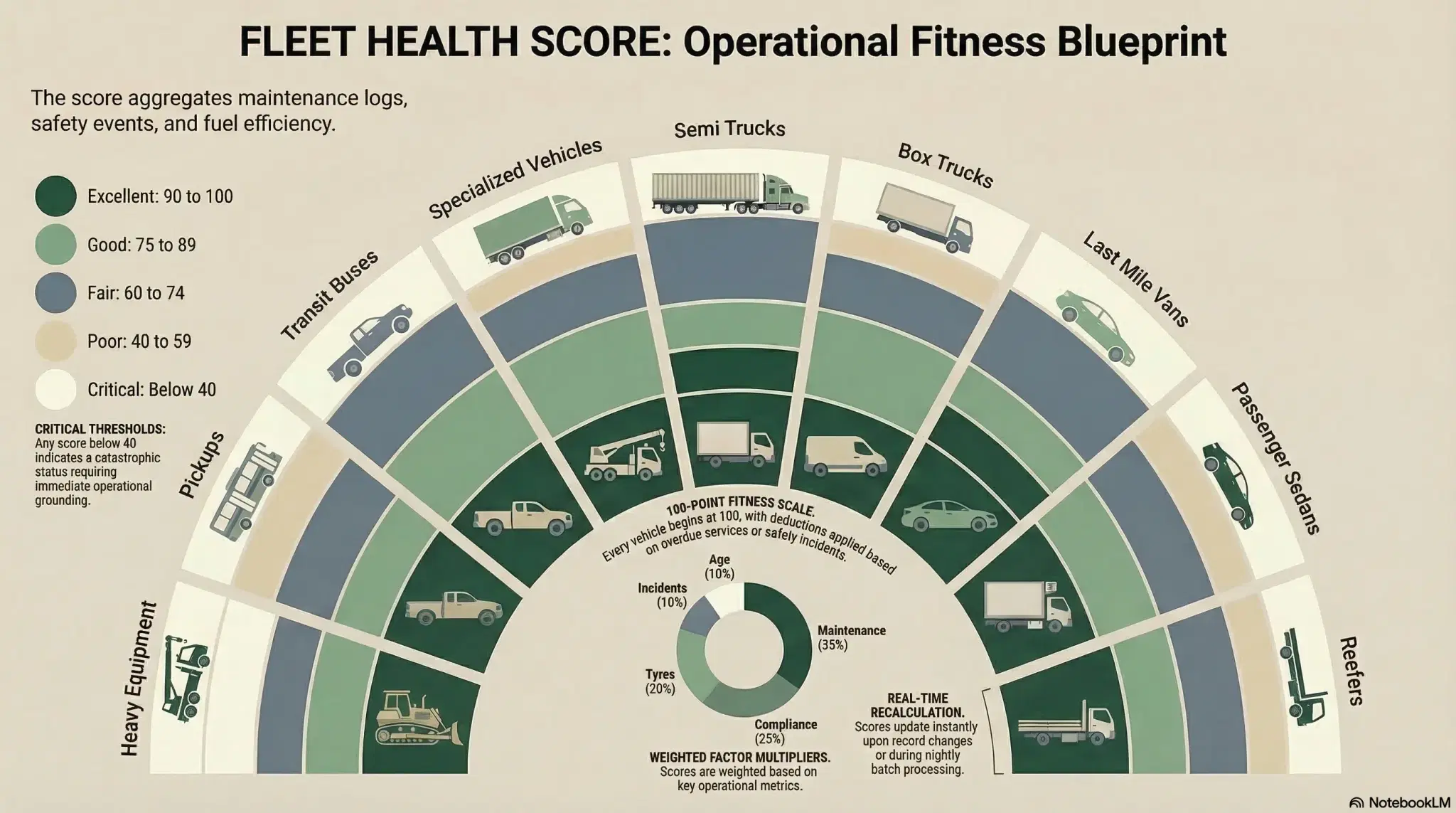
Fleet Health Score: One Number Per Vehicle
A single 0-100 fleet health score per vehicle replaces guesswork with clarity. Know exactly which vehicles need attention and why.
Join 43,000+ Fleet Owners Who Trust AVLView
AVLView helps you:
- Cut fuel costs by 8-15% within 90 days
- Improve driver safety and reduce accidents by 40%
- Get real-time visibility into every vehicle 24/7
- Automate reporting and save 10+ hours per week
- 30-day pilot program with no long-term commitment